
The sticker sheet problem

Digital sticker packs are usually sold as one big sheet: a PNG or a PDF with dozens of designs on a white page. Import that into most apps and you get one giant rectangle. To use a single sticker you crop it out by hand, then clean the white edge, then do it again for the next one. Sixty stickers is an evening gone before you have started your page.
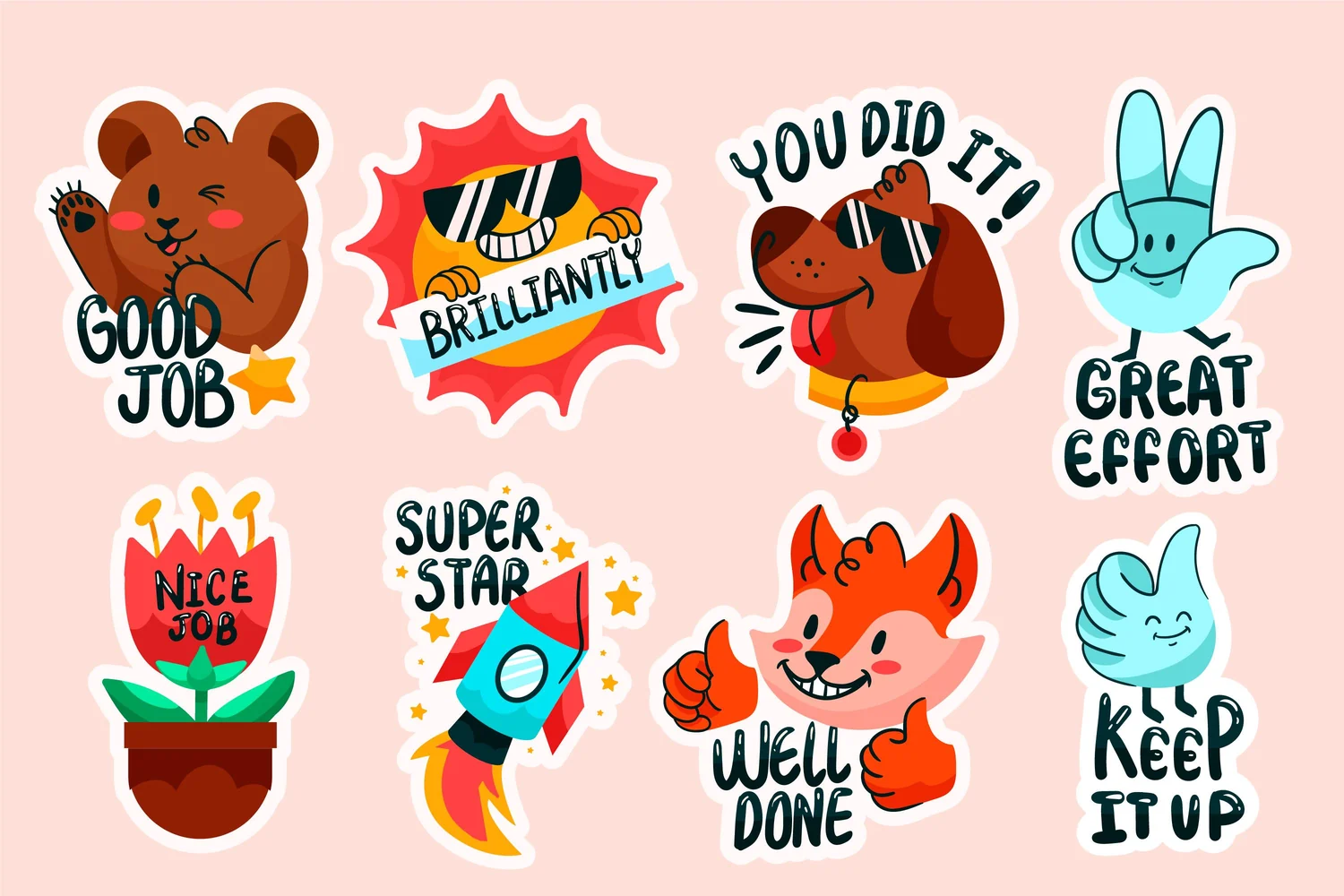
Mementa makes the pack itself usable.
How to peel a pack

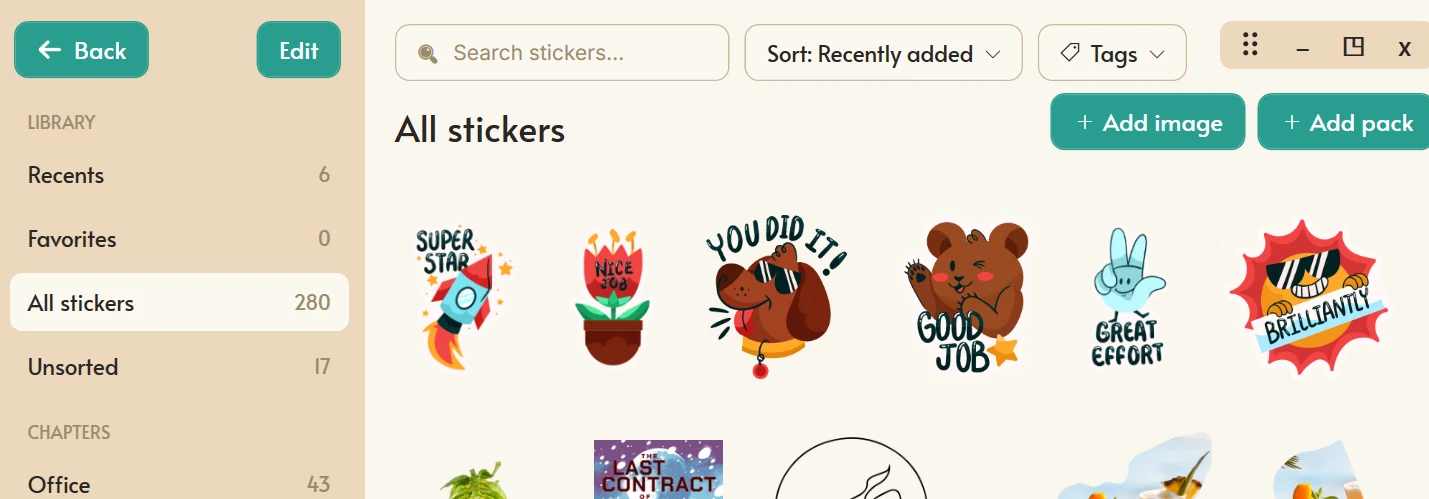
- Open the Sticker Book from your shelf and choose Add pack.
- Select one or more sticker sheet images, SVGs or PDFs. A multi page PDF is treated as a run of sheets.
- Review what Mementa found. It draws a box around every sticker it detects.
- Choose a chapter, add tags if you like, and select Peel.


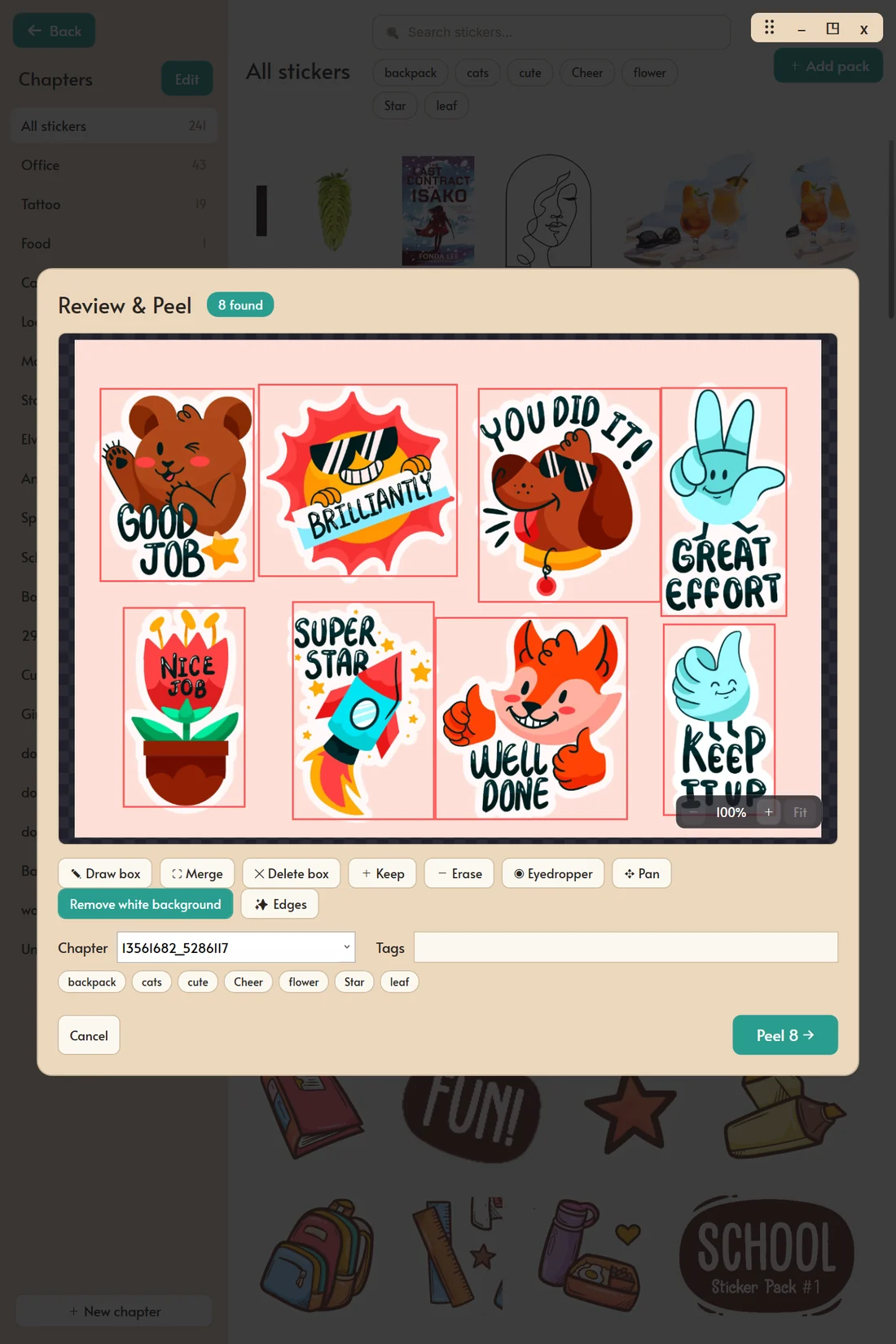
Every accepted piece becomes its own transparent sticker in your library, ready to place in any notebook.
When the whole picture is the sticker
Some pictures have nothing to peel: a child's drawing on a white page, a scanned card, a photo you want exactly as it is. Choose Add image instead of Add pack, and each file goes into the Sticker Book whole. There are no boxes to draw, and no background is taken away.
Select as many files as you like. A multi page PDF gives one image per page, a phone photo comes in the right way up, and the images land in the chapter you have open.

When a sheet is awkward
Detection is where the job starts, not a decision you are stuck with. The review screen lets you fix what it found:
- Draw box adds a sticker it missed.
- Merge joins pieces that belong to one design.
- Delete box removes something that is not a sticker.
- Remove white turns the sheet's background into transparency.
- Keep and Erase brushes, and Tolerance, Feather and Despill sliders, tidy the edges. See cutout refinement.
White details stay white
Background removal starts from the outside edge of each sticker and works inward. So the white of an eye, a highlight on a cup, or white lettering inside a design stays put, instead of every white pixel on the sheet being deleted.
Done on your PC, and stored once
Peeling happens entirely on your own PC. It is ordinary image processing, not a cloud service and not an AI model, and it gives the same result every time. Identical stickers are recognized and stored once, so importing a pack twice does not double your library.
Your stickers, your packs
Mementa does not come with sticker packs. It is made for the ones you already own, the packs you buy from independent artists, and the ones you draw yourself. See the whole path from sheet to page in the Sticker Book.
Sticker artwork shown on this page is designed by Magnific and appears for illustration only. It is not included in the app. You bring your own sticker packs.
At a glance
- Import several images or a multi page PDF in one go
- The stickers on the sheet are found and separated, one cutout each
- White backgrounds are removed, so each one lands as a transparent cutout
- Detection boxes can be added, merged or deleted by hand when a sheet is awkward
- Identical stickers are recognized and stored once
- Add image puts a picture in the Sticker Book whole, with nothing peeled away, one image per PDF page
- A phone photo added this way comes in the right way up
Questions
How do I separate stickers from a sticker sheet?
Open the Sticker Book, choose Add pack, and pick the sheet. Mementa finds the stickers and removes the white background, you review the boxes, then select Peel.
Can I add a picture without removing its background?
Yes. Choose Add image instead of Add pack, and the picture goes into the Sticker Book whole, ready to place on any page.
What file types can I import as a sticker pack?
Images, SVGs and PDFs, including multi page PDFs. Each page of a PDF is treated as a sheet.
Does it work on a sticker sheet photographed on a desk?
Often, yes. The detector can tell the desk from the paper the stickers sit on, and you can add or merge boxes by hand when a photo is tricky.
Does Mementa include free stickers?
No. You bring your own: packs you own, packs you buy from artists, and stickers you make from your own drawings.
Try it yourself
$4.99 once, and Mementa is yours. Every update included, and no subscription, ever.
Get it on the Microsoft Store