
Home/Features
FeaturesEverything Mementa does.
47 features, grouped the way the app is. Every one has its own page, and every page says plainly what it does and what it does not.
Home and library
3 features
Notebook creation
2 features
Editor
17 features
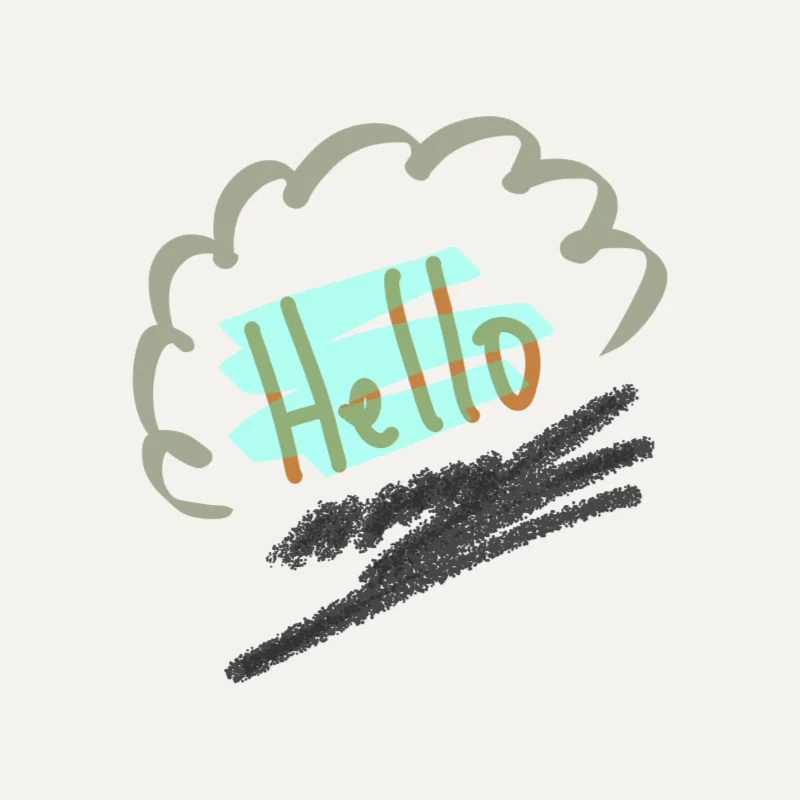 Pens, pencil and highlighter
Four drawing tools that behave like the real thing under a stylus.
Pens, pencil and highlighter
Four drawing tools that behave like the real thing under a stylus.
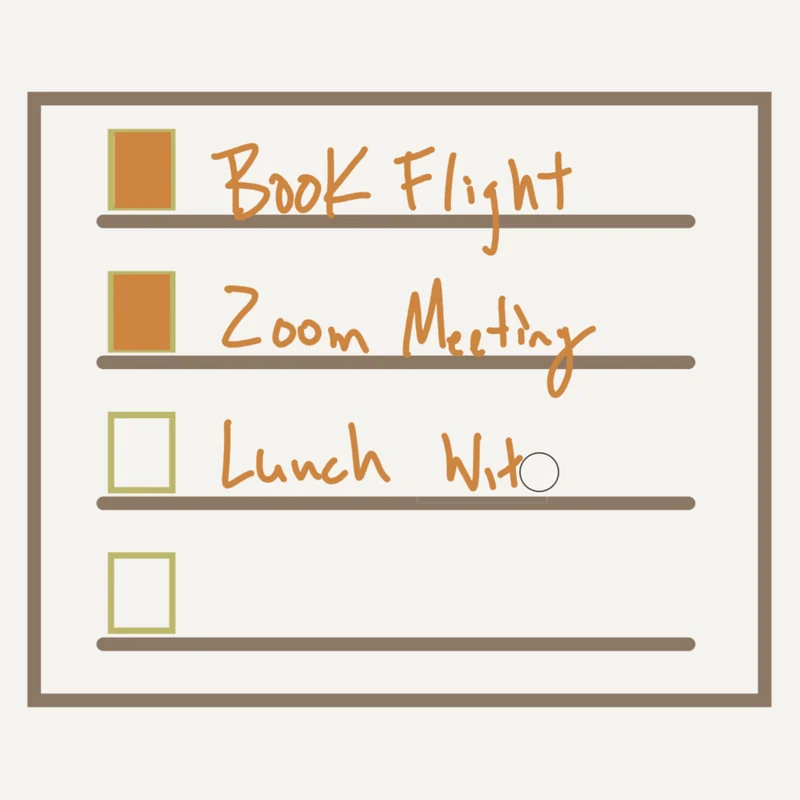 Eraser and flip to erase
Turn the pen over and the back tip erases, the way a pencil does.
Pen button shortcuts
The barrel button on your stylus switches tools without reaching for the dock.
Pen, touch and mouse as separate hands
Your pen writes, your finger pans, and a resting palm never leaves a mark.
Handwriting to text
Lasso your handwriting, hold the pen still, and it becomes typed words in place.
Scribble
Write beside an open text box with the pen and watch it type itself.
QuickShape
Draw a rough circle and it snaps into a clean one.
Shape tools
Place an exact rectangle, ellipse, triangle, star, line or arrow.
Knife selection
Lasso any ink on the page to move, resize, rotate, copy or delete it.
Knife photo cutting
Lasso a piece out of a photograph and it becomes a sticker.
The ARRANGE list
Every object on the page as a list, in stacking order, in the right dock.
Merge and unmerge
Join several objects into one that moves, resizes and rotates together.
Multi Select
Align or space several objects evenly in one undoable move.
Text boxes
Typed text that stays editable and searchable at any angle.
Non destructive crop
Crop a photo or a sticker and the full original is always still there.
The quick arc
Double click the barrel button in the air and your tools come to the pen.
Pen haptics
The pen buzzes in your hand when the tool under it changes.
Eraser and flip to erase
Turn the pen over and the back tip erases, the way a pencil does.
Pen button shortcuts
The barrel button on your stylus switches tools without reaching for the dock.
Pen, touch and mouse as separate hands
Your pen writes, your finger pans, and a resting palm never leaves a mark.
Handwriting to text
Lasso your handwriting, hold the pen still, and it becomes typed words in place.
Scribble
Write beside an open text box with the pen and watch it type itself.
QuickShape
Draw a rough circle and it snaps into a clean one.
Shape tools
Place an exact rectangle, ellipse, triangle, star, line or arrow.
Knife selection
Lasso any ink on the page to move, resize, rotate, copy or delete it.
Knife photo cutting
Lasso a piece out of a photograph and it becomes a sticker.
The ARRANGE list
Every object on the page as a list, in stacking order, in the right dock.
Merge and unmerge
Join several objects into one that moves, resizes and rotates together.
Multi Select
Align or space several objects evenly in one undoable move.
Text boxes
Typed text that stays editable and searchable at any angle.
Non destructive crop
Crop a photo or a sticker and the full original is always still there.
The quick arc
Double click the barrel button in the air and your tools come to the pen.
Pen haptics
The pen buzzes in your hand when the tool under it changes.
Color
2 features
Pages and composition
4 features
Page backgrounds
Dot grid, ruled, blank, legal pad, or a PDF you already own.
Template library
Save a page you like and reuse it as a background anywhere.
Layers
Keep the template, the photo and your handwriting on separate layers.
Print guides
See the trim, the safe area, the bleed and the gutter while you work.
Sticker Book
4 features
Automatic sticker peeling
Drop in a sticker sheet and Mementa lifts every sticker off it for you.
Cutout refinement
Fix any cutout by hand with keep and erase brushes.
The Sticker Book
Thousands of stickers stay findable with chapters, tags and search.
Make sticker
Lasso something you drew and it becomes a sticker you can use again.
Book and reader
5 features
Book Mode
Read your own notebook as a two page spread, with page turns that have weight.
PDF and comic reader
PDFs and comics open on the first page immediately, however long they are.
EPUB reader
A real ebook reader, with contents, text sizing and three themes.
Reading highlights
Highlight what you are reading in ink you can still read through, and take it back off.
EPUB to notebook
Freeze the book you are reading into a notebook you can write on.
Export, safety, and ownership
5 features
Export
Export to PDF, PNG, JPG, CBZ or fixed layout EPUB.
Portable notebook files
A whole notebook travels as one file, stickers and backgrounds inside it.
Local first storage
Your notebooks live on your device, and no account is required.
Auto save and the recycle bin
Auto save as you go, and a recycle bin that gives back what you deleted.
Interface languages
Available in five languages, switching live, with no restart.
Print experience
5 features
Printed books
Turn a notebook into a real printed book, shipped to your door.
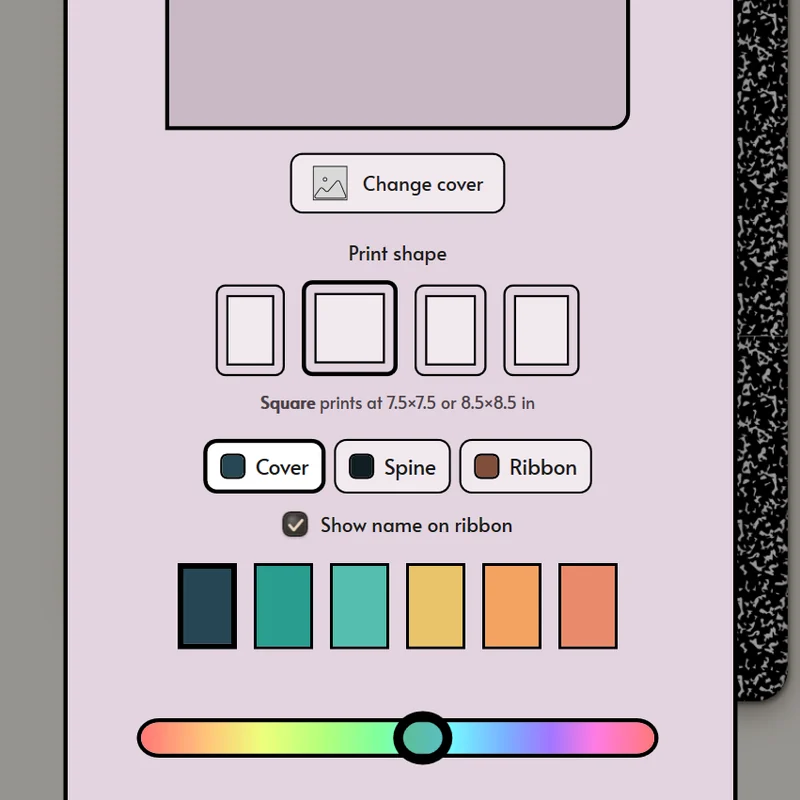
Cover designer
Lay out the front, spine and back as one printed wrap, with your own art.
Paper, ink and binding
Pick the cover finish, the paper, the ink and the binding before you order.
Quote and checkout
See the exact total, including shipping, before you pay.
Shipping and local currency
Printed books ship to 215 countries, priced in your own currency.