
The paper under your writing
Every page has a background, and it sits underneath everything you write, draw or place. Built in, you get:
- Blank white paper
- Lined paper
- Dot grid, the bullet journal favorite
- Yellow legal pad, ruled in blue with a red margin
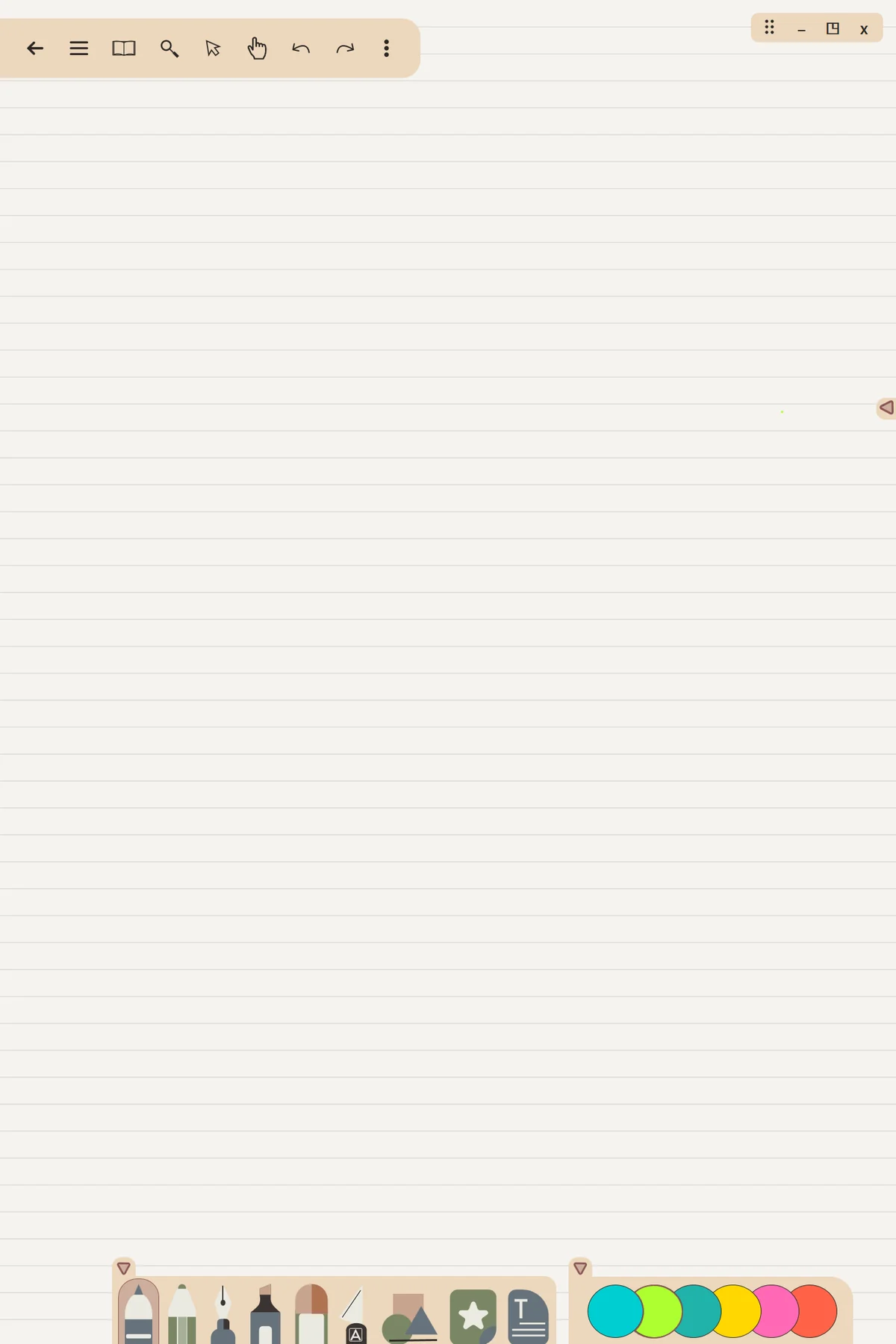
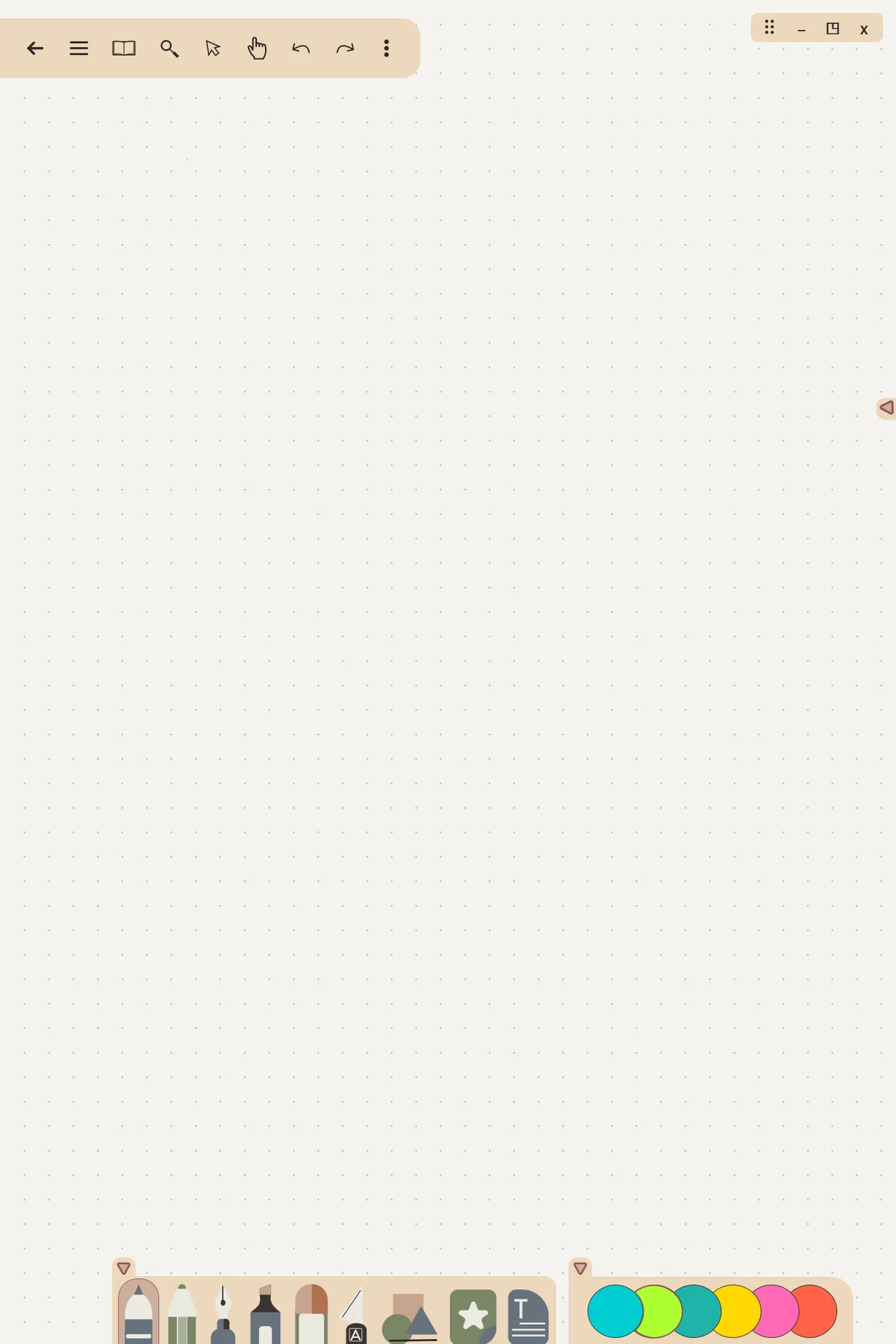
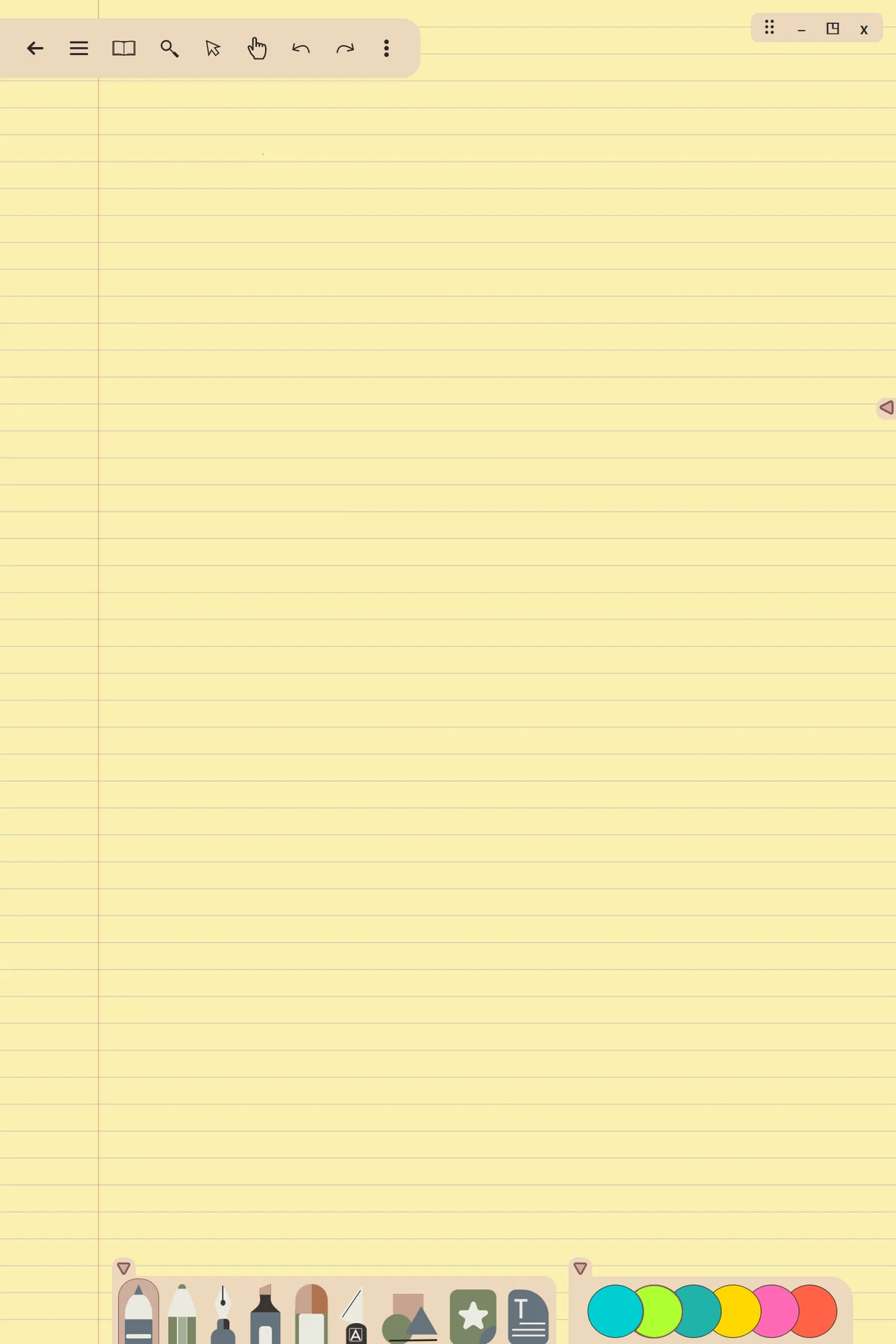
Apply a background to one page or to every page in the notebook. Change it later and your writing stays exactly where it was. You can also remove a background without disturbing anything drawn above it.
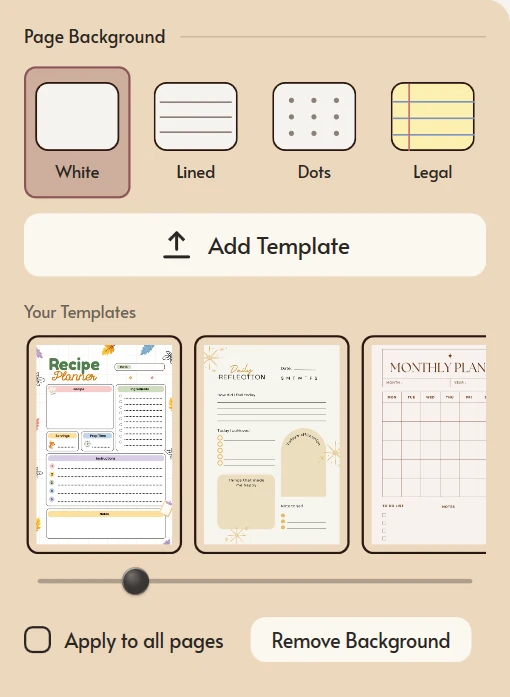
Bring your own paper
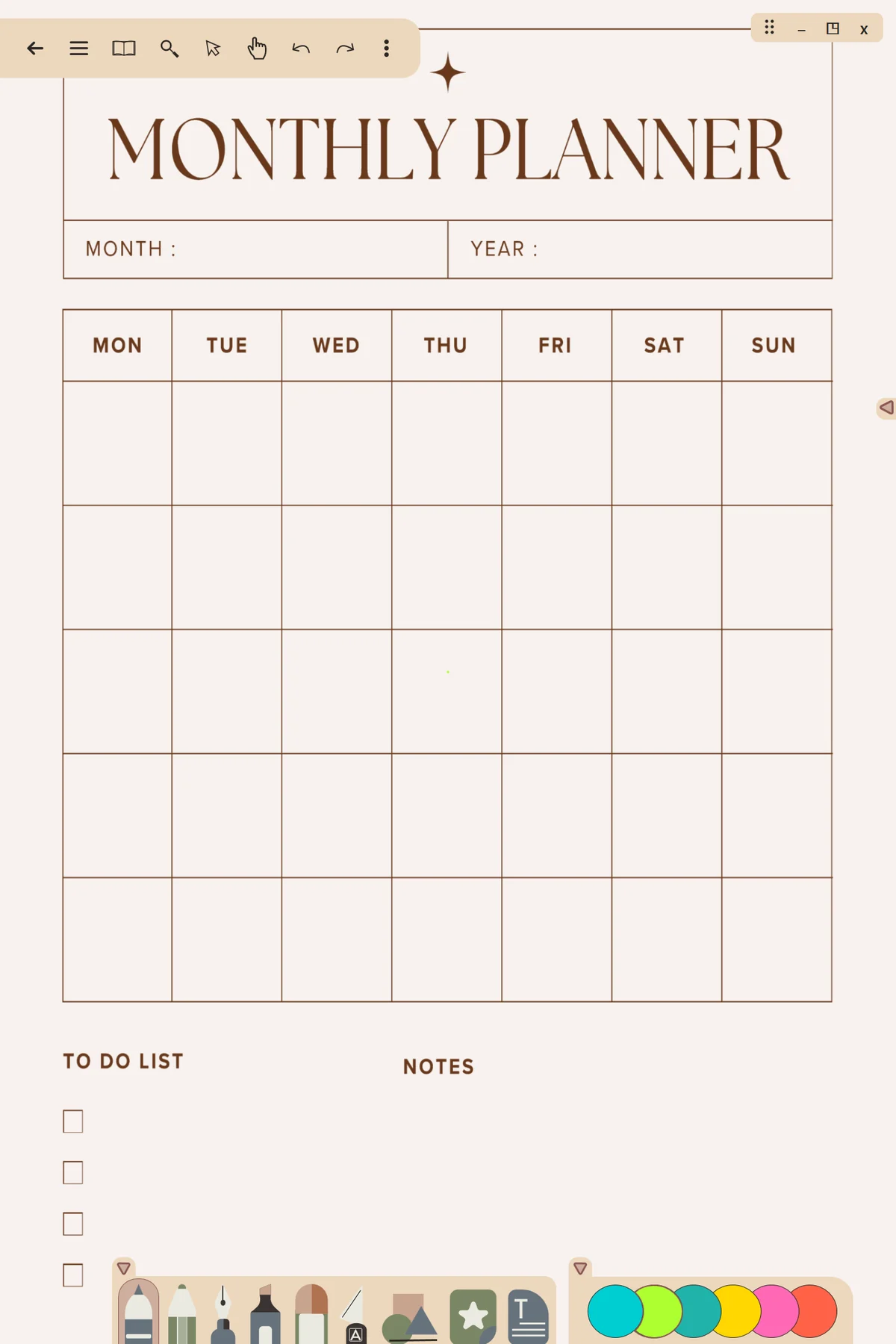
Any image or PDF page can be a background. That is what makes Mementa Notebook work as a digital planner, a bullet journal or a workbook:
- a planner layout you bought or made
- a worksheet or a practice sheet
- a recipe card, a habit tracker, a reading log
- music staff, graph paper, calligraphy guides
- a scan of stationery you love
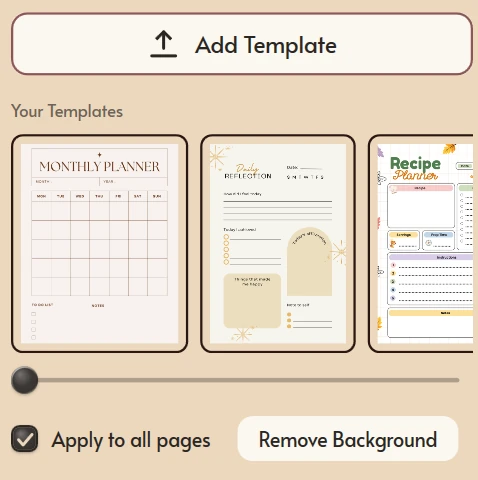
Import it once and it joins your template library, where every notebook can use it.
A whole PDF to write on
To write through a whole PDF, such as a dated planner with a page for every day, add it to your shelf instead. Open it, tap the pencil, choose the book shape, and the document becomes one of your notebooks with its original pages underneath your writing at full print resolution. Your writing sits on top of the pages, and your original file is never altered.
One thing to know before you buy a hyperlinked planner: Mementa shows every page, but it does not follow the links inside a PDF. Tabs and buttons that jump to another page in a planner app stay as artwork. You move between pages with the page rail, swipes and Book Mode instead.
A new page when you need one
When you reach the end of a notebook and keep going, Mementa adds a new page for you. For the new page to come on the same paper, choose the background with Apply to all pages checked.
At a glance
- Built in white, lined, dotted and legal pad pages
- Import any image or PDF as a background, a planner layout or a worksheet
- Apply a background to one page or to every page in the notebook
- A new page is created for you when you reach the end
Questions
Does Mementa have dot grid paper?
Yes. Dot grid is built in, along with blank, lined and yellow legal pad.
Can I use my own planner PDF?
Yes. Use a single page as a background or a template, or open the whole PDF from your shelf and tap the pencil to write through every page. Links inside the PDF are not followed.
Can I change the background after I have written on the page?
Yes. Your writing stays put when the paper under it changes.
Does Mementa come with planner templates?
Mementa has the four built in papers and any template you bring. It does not come with a library of ready made planner designs.
Try it yourself
$4.99 once, and Mementa is yours. Every update included, and no subscription, ever.
Get it on the Microsoft Store