
When reading turns into thinking
Some books you read. Some you want to argue with in the margins. A study text, a cookbook you will cook from, a book club pick, a poem you want to annotate line by line. An ebook does not let you write in it, because its pages are not real pages: the text reflows to whatever size you give it.
Mementa Notebook gives it real pages.
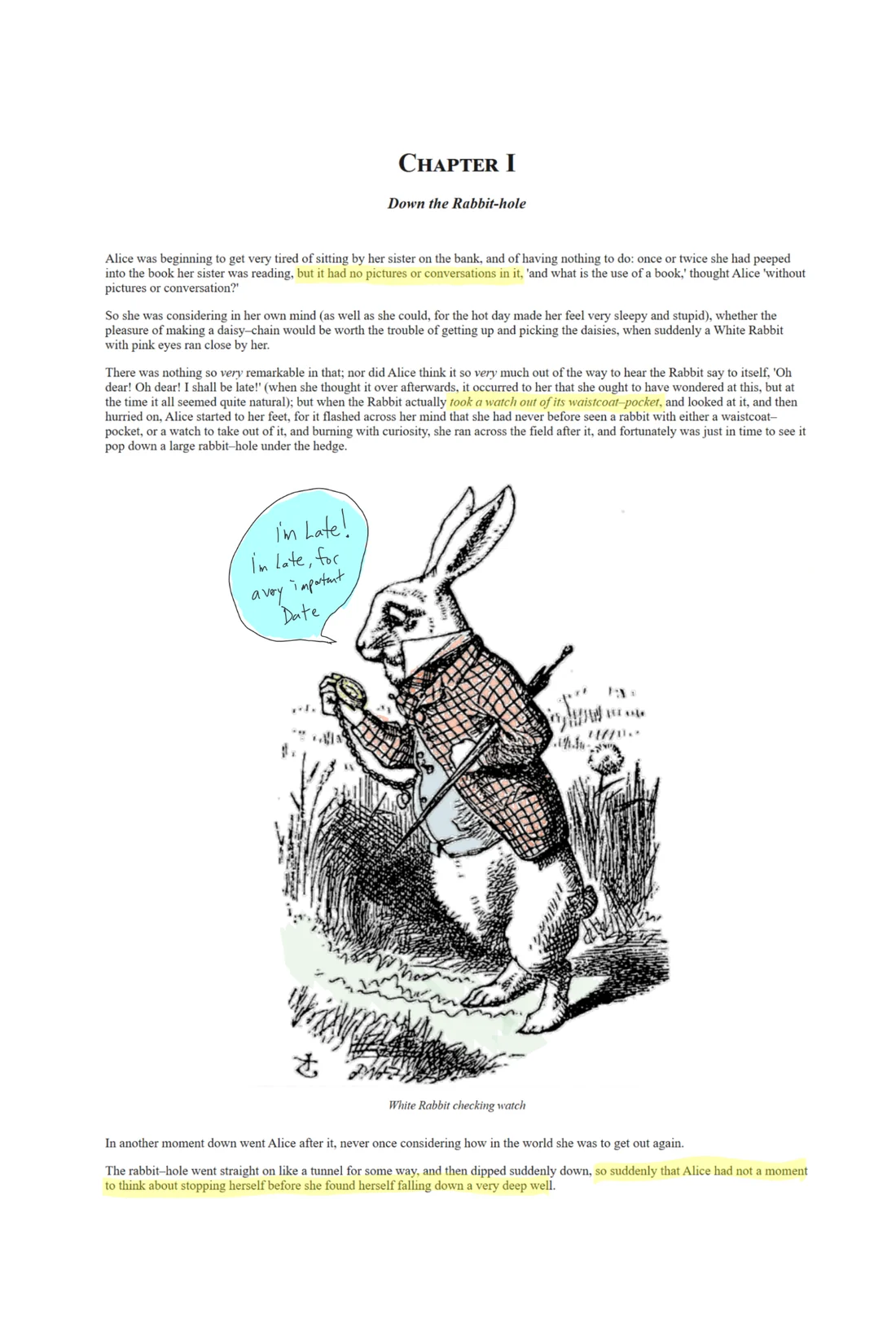
How it works
- Open the EPUB in the reader and mark the lines you care about.
- Tap the pencil. Mementa asks what size book you want.
- It walks the book, fits each screen into the print shape you chose, and builds the notebook in your library.
- It opens where you were, on the page you were reading, with a pen in your hand.
Your marks are still marks
Highlights you made while reading arrive as real highlighter strokes on the page they fell on, not as pixels printed into the paper. You can move them, recolor them, or rub them out like anything else you drew.
The original never changes
The ebook stays on your shelf exactly as it was. The notebook is a separate copy to work in: add pages, write in the margins, stick in notes, and read it back in Book Mode.
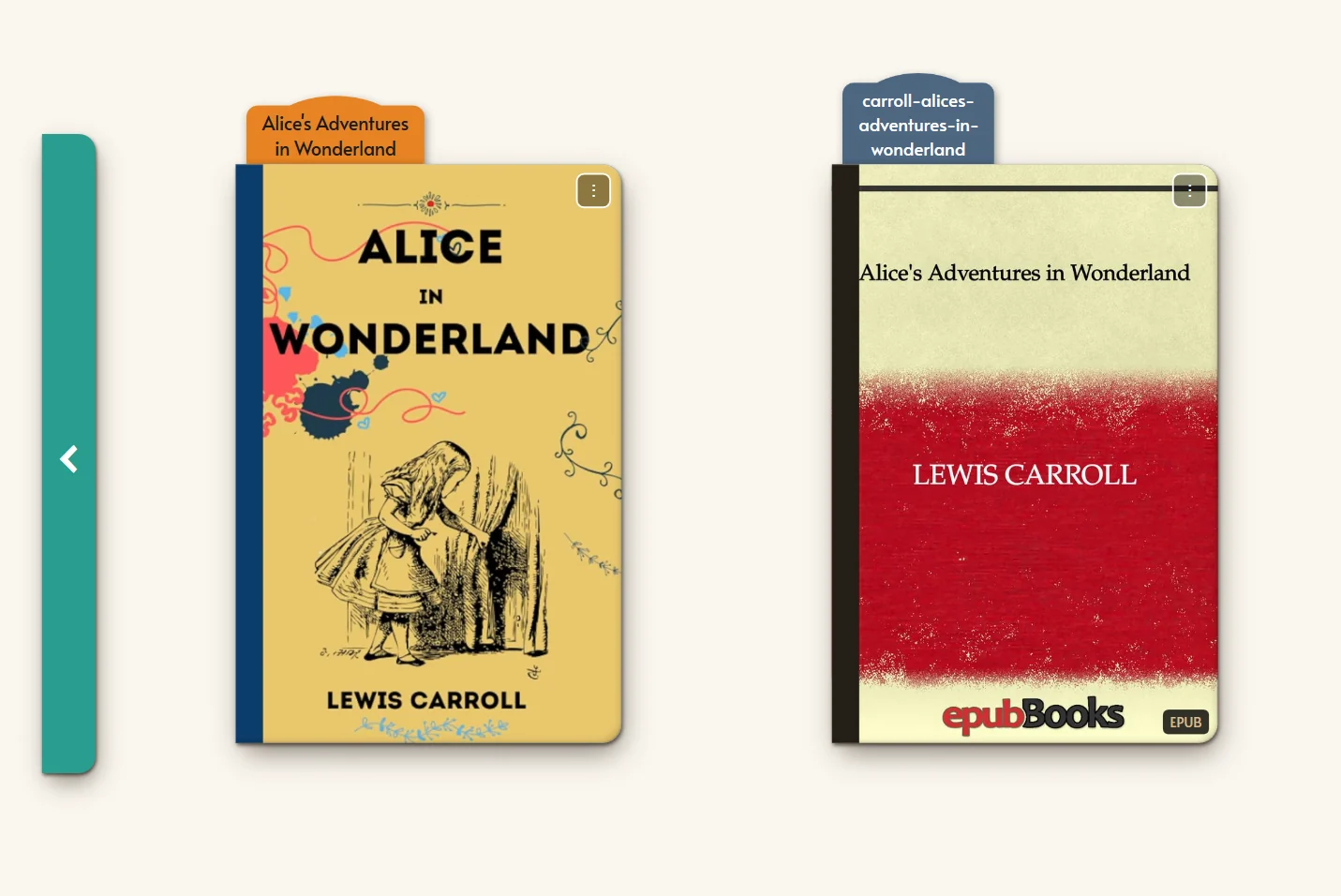
At a glance
- Convert an EPUB into a notebook at a print shape you choose
- It opens on the page you were reading
- Your reading highlights come across as editable strokes
Questions
Can I write in an EPUB?
Not in the EPUB itself, because its pages reflow. Tap the pencil and Mementa turns it into a notebook with fixed pages you can write on.
Does converting change my ebook?
No. The ebook stays on your shelf untouched, and the notebook is a separate copy.
Can it convert DRM protected ebooks?
No. Mementa opens EPUB files without copy protection, and it does not remove DRM.
Which book shapes can I choose?
Any of the four notebook shapes: Portrait, Square, A series or Wide. Each screen of the book is fitted into the shape you pick.
Try it yourself
$4.99 once, and Mementa is yours. Every update included, and no subscription, ever.
Get it on the Microsoft Store