
Mark it without leaving the reader
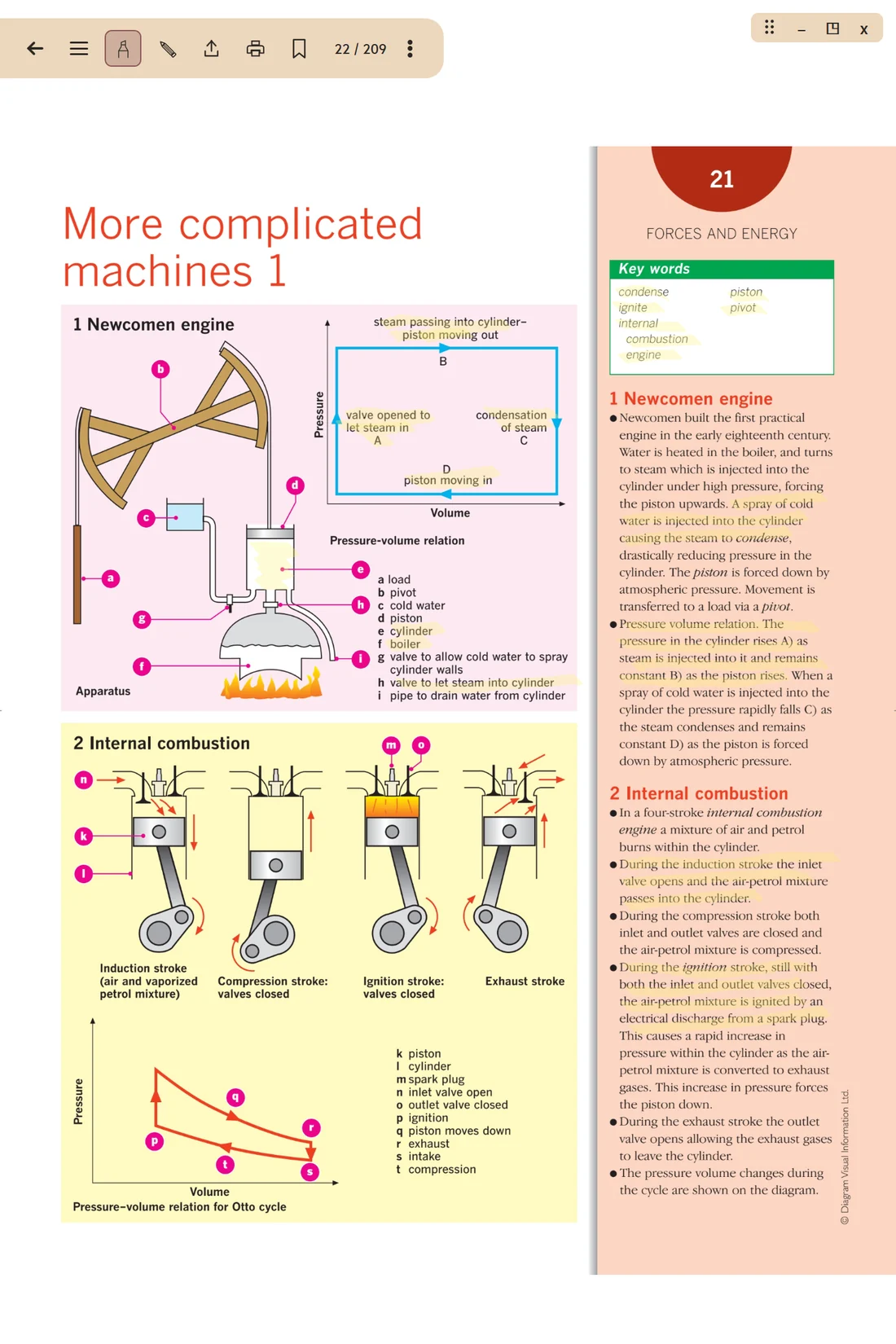
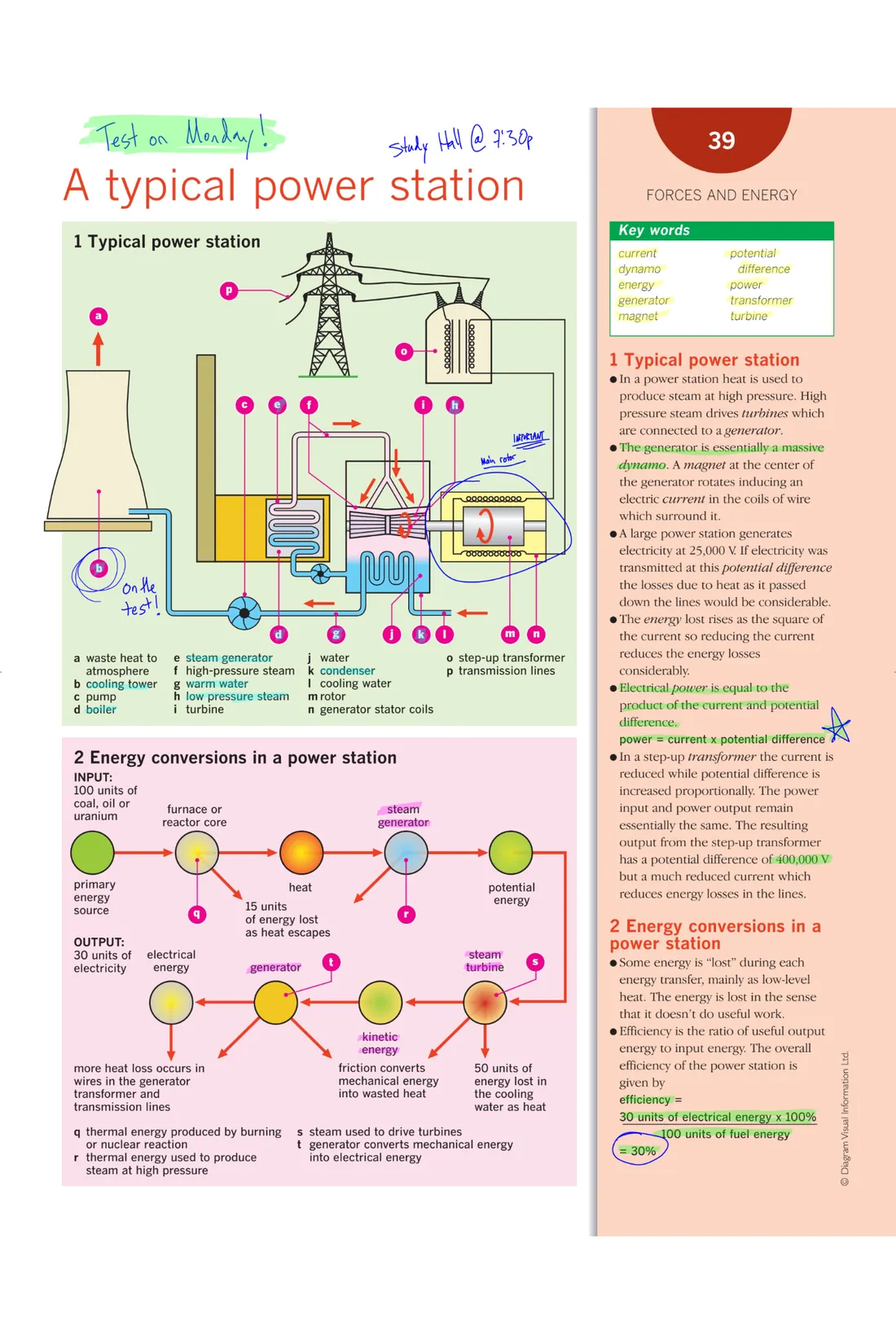
You should not have to switch into an editor to underline a sentence. In Mementa Notebook the highlighter works directly in the reader, on PDFs, comics, images and EPUB ebooks. Drag across the words and they are marked.
It is the same highlighter ink you use in your notebooks: a chisel tip, translucent even at full strength, laid over the words rather than as a block painted on top of them. Two passes overlap flat.
Take it back off
A highlight is a reading decision, and reading decisions change. Removing one is as easy as making it:
- Flip the pen over and rub along the mark with the back tip. One sweep down a paragraph clears every highlight it crosses.
- Tap a highlight to lift it off. That works with a mouse too, because a mouse has no back tip.
Only highlights come off this way. Anything you wrote in the editor is never the reader's to erase.
Your marks stay
Highlights are kept between reading sessions. On a PDF or comic, a highlight is a real ink stroke on the page. In an ebook, it is kept against the place in the text it belongs to, so it is still there when the text reflows.
Page bookmarks and EPUB bookmarks sit alongside them, so you can get back to a marked passage quickly.
When your highlights move into a notebook
Tap the pencil to turn a PDF or an ebook into a notebook, and your highlights come with it as real highlighter strokes you can move, recolor or erase. See EPUB to notebook.
At a glance
- Highlights in fixed layout documents and in EPUBs
- Translucent ink, so the words underneath stay readable
- Erase a highlight with the pen's back tip, or tap it, in both readers
- Page bookmarks and EPUB bookmarks
Questions
Can I highlight a PDF with a stylus on Windows?
Yes. Open the PDF in Mementa's reader and drag across the text with the highlighter. The ink is translucent, so you can read through it.
How do I remove a highlight?
Flip the pen over and rub it with the back tip, or tap the highlight.
Do my highlights sync to other devices?
No. They are kept on your own PC with the document.
Try it yourself
$4.99 once, and Mementa is yours. Every update included, and no subscription, ever.
Get it on the Microsoft Store